
Hi!
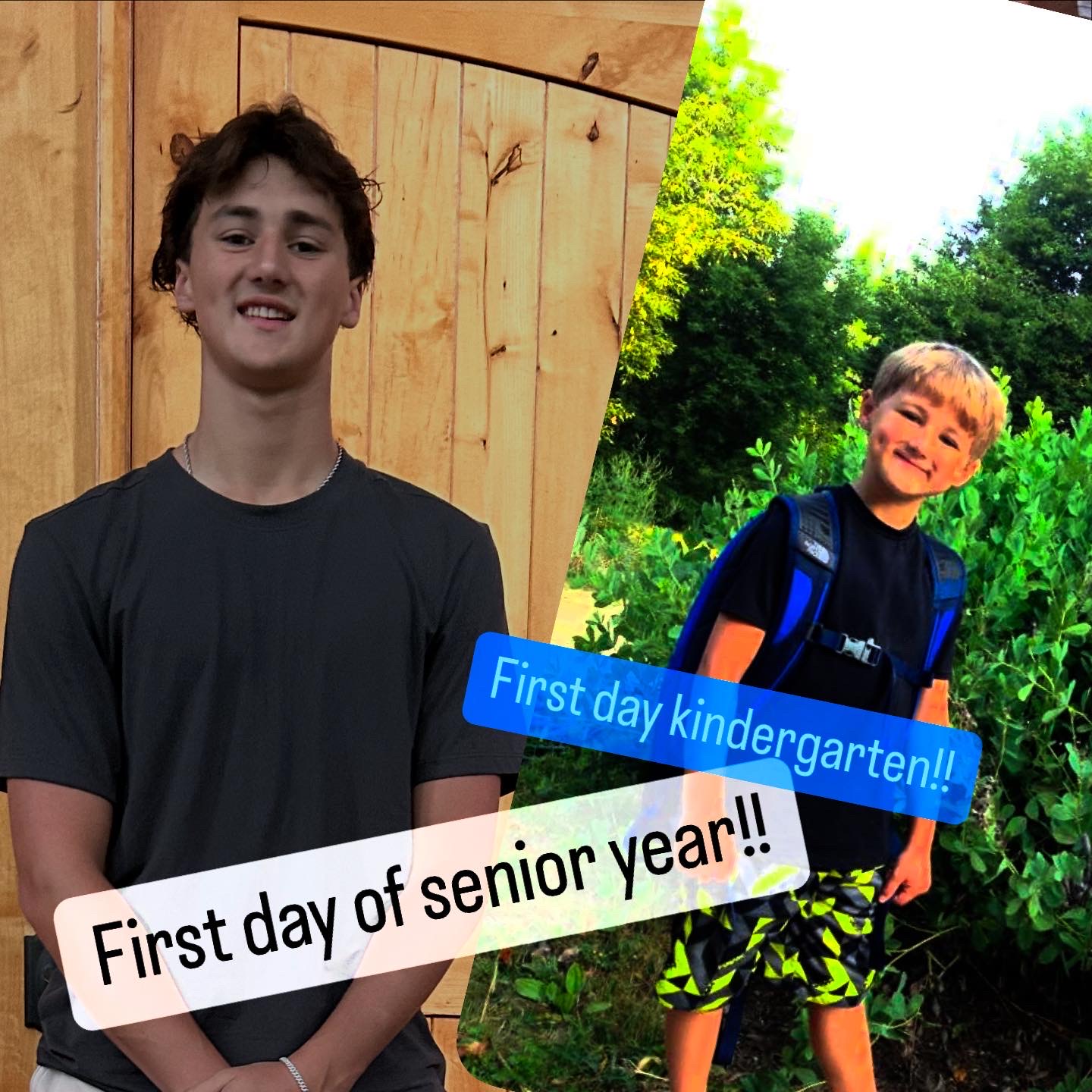
Last week was a big one in our house — we moved our third son back to college for his sophomore year AND my youngest son (baby) started his Senior year! It was a whirlwind of bags, skis, golf clubs, Target and Costco runs, and more than a few same-day Amazon orders. In the middle of all the hustle, it struck me again how quickly these milestone moments come and go — and how fast life really moves.


Now that we’re back home, I’m turning my attention to you. Over the past few weeks, I’ve been sharing tips on where to save in Microsoft 365 (OneDrive, Teams, SharePoint), how to search smarter, and how to manage versions without chaos.
All of this is leading up to my brand-new course:
✨ Cloud Clarity: Simplify Using the Cloud - Save, Share and Collaborate with SharePoint, OneDrive and Teams.

Finally understand where to save, share, and collaborate — without second-guessing yourself.
But before I put the finishing touches on it… I’d love your input.
👉 What’s your biggest challenge in Microsoft 365 right now?
-
Do you struggle with file chaos?
-
Is Teams organization driving you nuts?
-
Are you frustrated with Outlook or OneNote?
Hit reply and let me know — I read every response and will reply to you personally. Your feedback helps me make sure my training meets you right where you are.
Thanks for being part of my community. Share your kids back to school pics with me...
🔜 More about the course: Cut through the Microsoft 365 file chaos — so you always know where to save and how to find it.
You’ll learn:
-
How OneDrive, Teams, and SharePoint actually work together
-
When to use which app (with real examples!)
-
Strategies to cut through file chaos and confusion
👉 Want early access or updates? Join the waitlist here or just hit reply and let me know — I’d love to hear from you.
📚 Want to Learn More?
You can always find all my Tips and Tricks —including past ones on Teams, Outlook, OneNote, and more—are on my website.
👉https://www.learningwithkari.com/blog
All my best,
Kari
Microsoft 365 Trainer & Productivity Coach
learningwithkari.com
Helping you save time, get organized, and feel confident using Microsoft 365 tools.
✨ P.S. Have a question or idea for a future tip? Just hit reply — I’d love to hear from you!

Responses