
Back with a Bang!

Hello there,
I'm so excited to be back after a little break, and I've got some exciting things in store for you! I've got a little different format I'm using for my Tips and Tricks. I've collected some feedback and adjusted things in response to what people are saying. I hope you enjoy! I have some other great updates and offerings coming down the pipline too. And as always, there will be more opportunities to hear what you want and think but you can also just REPLY!
This week, I'm diving back into the world of Microsoft Teams, a tool that's become indispensable in today's workplace. I'm picking up where I left off, which was at #100. So here we are with Kari's Tips and Tricks #101.

Teams: The Chat Details Pane
Since I'm in the business of learning - there are 2 ways you can learn this tip #1 - Read the step by steps with screenshots or #2 - watch the video (or #3 - both 😊)
Same Chat, More Deets
The Chat Details Pane is new as of October 2024. It's one of the more useful new features, honestly. If you've been using Teams a while, some of your chats, like mine are REALLY REALLY long. Also, the nature of a chat is there are lots of short replies. When you need to find something, it can be frustrating...and take a LOOONNNGGG time to scroll and find files or pinned messages.
Enter...the Chat Details Pane
The Chat Details Pane is a small little icon in the upper right hand corner of your chat window.
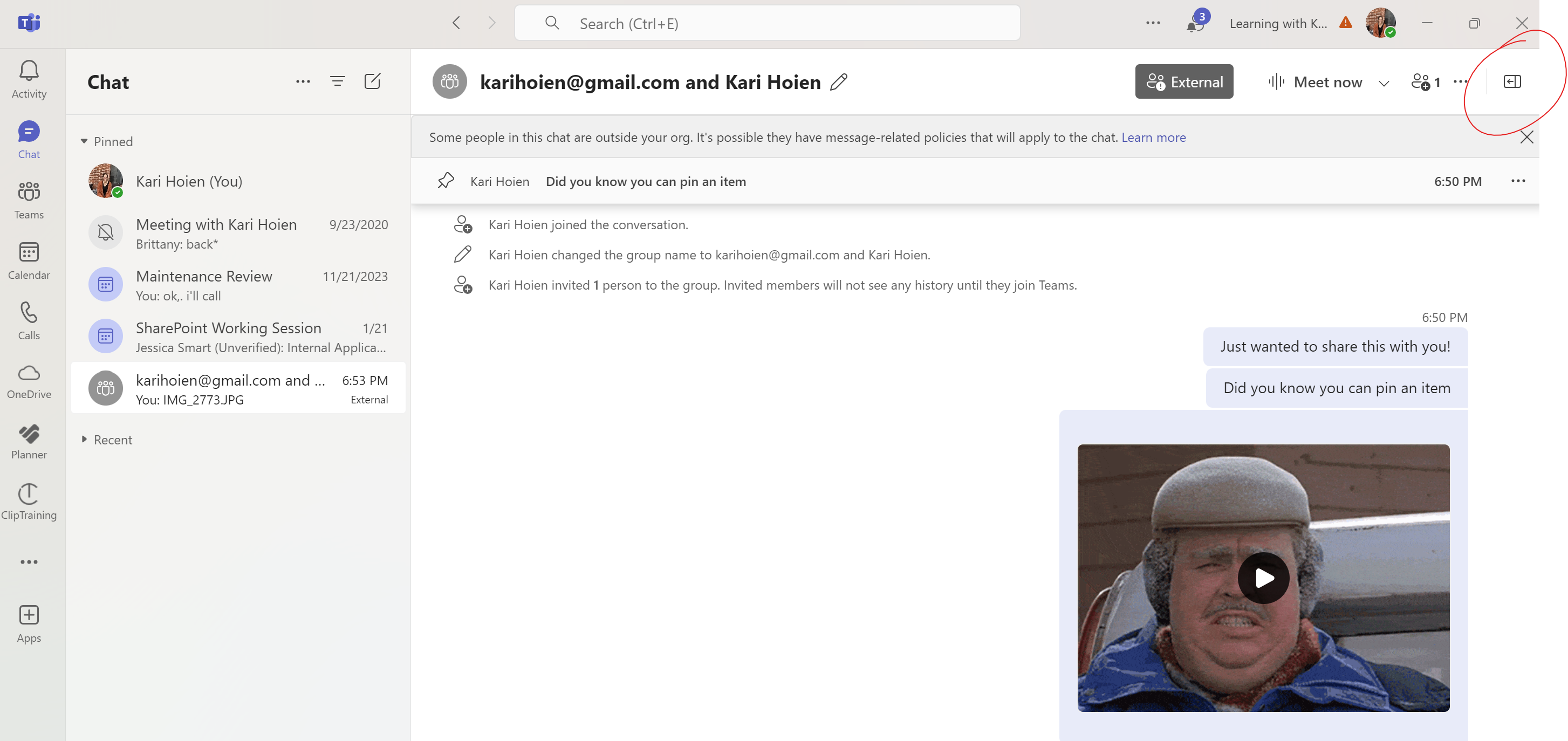
Click on it...and ta-da...the Chat Details Pane shows up on the right side of your screen. It's a toggle so you can toggle it on and off as needed.
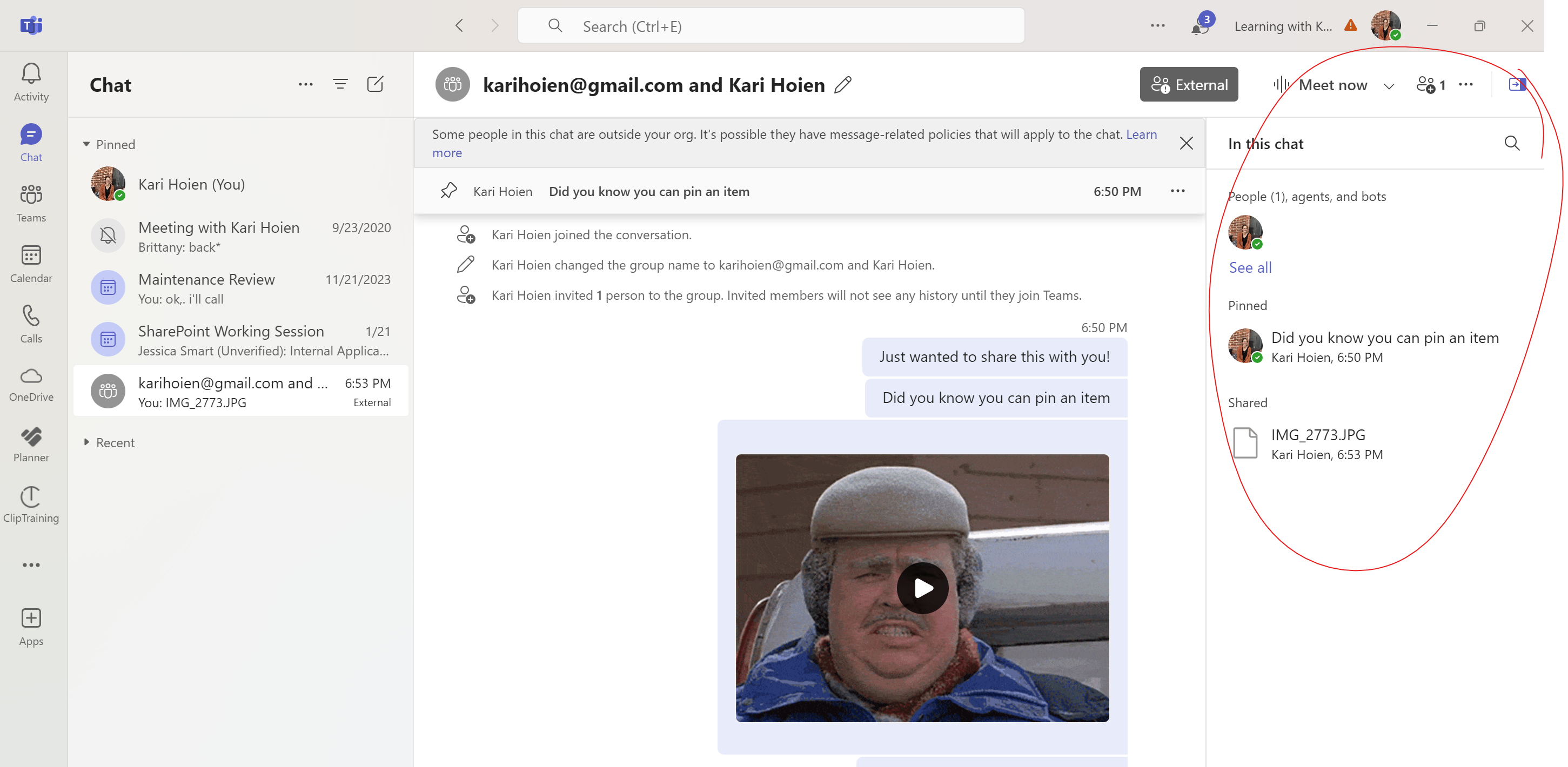
What's in the Chat Details Pane
- Files sent in the chat.
- Pinned messages.
- A place to search for content.
- Easy place to see all the people that are part of the chat.
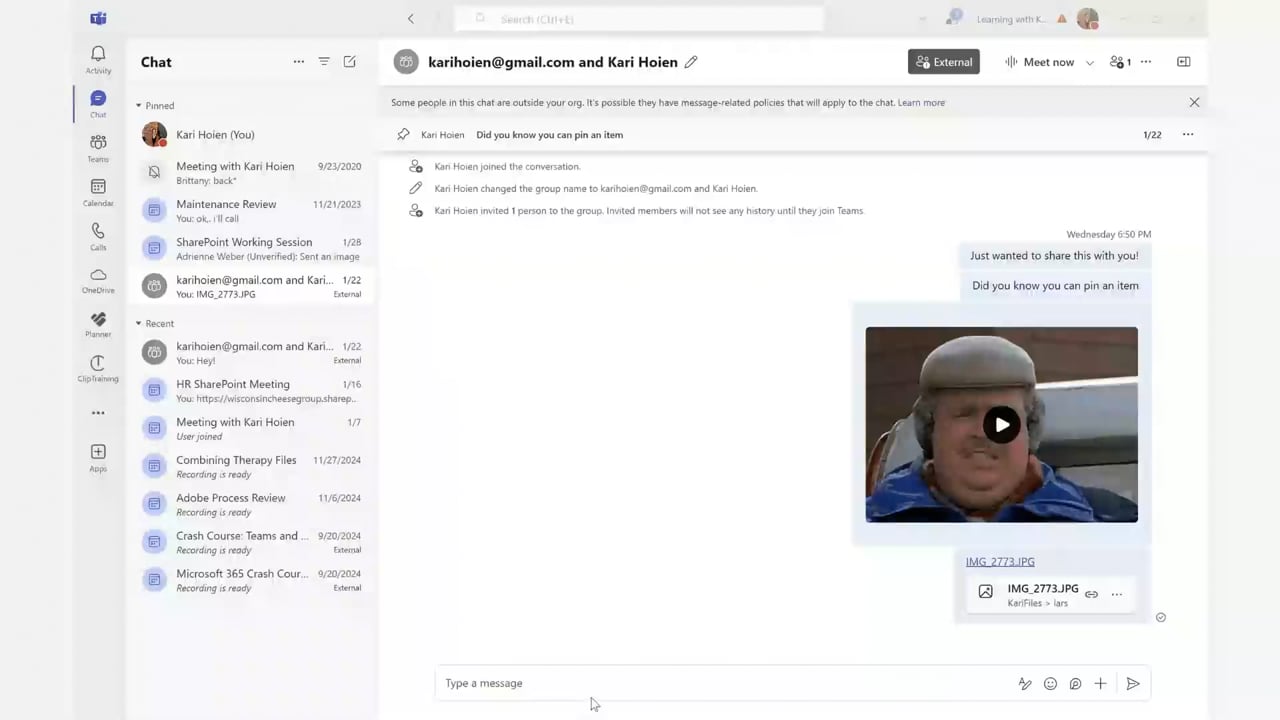
Watch the Tip (2 minutes)
Click on the link below to watch the video.
 |
Next Up....
Next Tips/Tricks....More cool things you can do with your chats.
Share with friends and colleagues!
We hope you find these tips helpful. If so - please share them with your friends so they can sign up too!
But that's not all! Coming soon...I'm launching a comprehensive course on Microsoft Teams, designed to help you become a Teams Power User. Stay tuned for more details!
I'd love to hear your thoughts on this week's topic. Do you have any Microsoft Teams tips to share? Or perhaps there's a topic you'd like me to cover in the future? Reply to the email and let me know!
Until next time,
Kari Hoien, M.A. in Education Technology
Microsoft Office Expert Trainer and Consultant

Responses